
Table of Contents
There is something quietly hopeful about a small living room. Every corner holds intention. Every piece of furniture earns its place. And somewhere in that careful arrangement sits the television — the one element that can either anchor the whole room or quietly pull it apart.
Getting TV placement right in a compact space is not just about finding an empty wall. It is about sightlines, natural light, the height of your sofa, and the way afternoon sun angles through the window. It is about living comfortably in a room that does more than one thing.
At ERYLIN, we believe that thoughtful design is the most generous gift you can give a small space. So instead of a quick list of ideas, we built you something more useful — a full decision guide for finding the placement that fits your specific room, your furniture, and your life.
Whether you are in a studio apartment, a compact condo, or a narrow townhouse sitting room, this guide will help you place your TV with confidence and calm.
Start Here: The Four Factors That Decide Everything
Before you pick a wall or order a mount, four things shape every good TV placement decision in a small room.
Wall length determines whether centering makes sense or whether an off-center or corner setup is more functional. Seating distance tells you the right TV size so the screen never feels overwhelming. Window position affects glare at different times of day. And storage needs influence whether a floating shelf, a low console, or a built-in unit serves you best.
Get clear on these four before anything else, and the right placement will almost suggest itself.
TV Size for a Small Living Room
The most common mistake in small spaces is choosing a screen that is too large for the viewing distance — or, surprisingly, one that is too small.
The general rule is simple: your viewing distance in inches, divided by 1.5 to 2, gives you the ideal screen size in inches. So if your sofa sits about 90 inches (roughly 7.5 feet) from the wall, a 45- to 55-inch screen is the sweet spot.
| Viewing Distance | Recommended TV Size |
|---|---|
| 5 feet (60 inches) | 32–40 inches |
| 6 feet (72 inches) | 40–48 inches |
| 7–8 feet (84–96 inches) | 48–55 inches |
| 9–10 feet (108–120 inches) | 55–65 inches |
A screen that fills roughly 30 degrees of your horizontal field of vision feels immersive without strain. In a truly compact room, resisting the urge to go larger almost always results in a more comfortable and beautiful space.
The Best TV Placement by Room Shape
Not all small rooms are the same shape, and the best placement strategy depends entirely on your floor plan.
Narrow Rooms
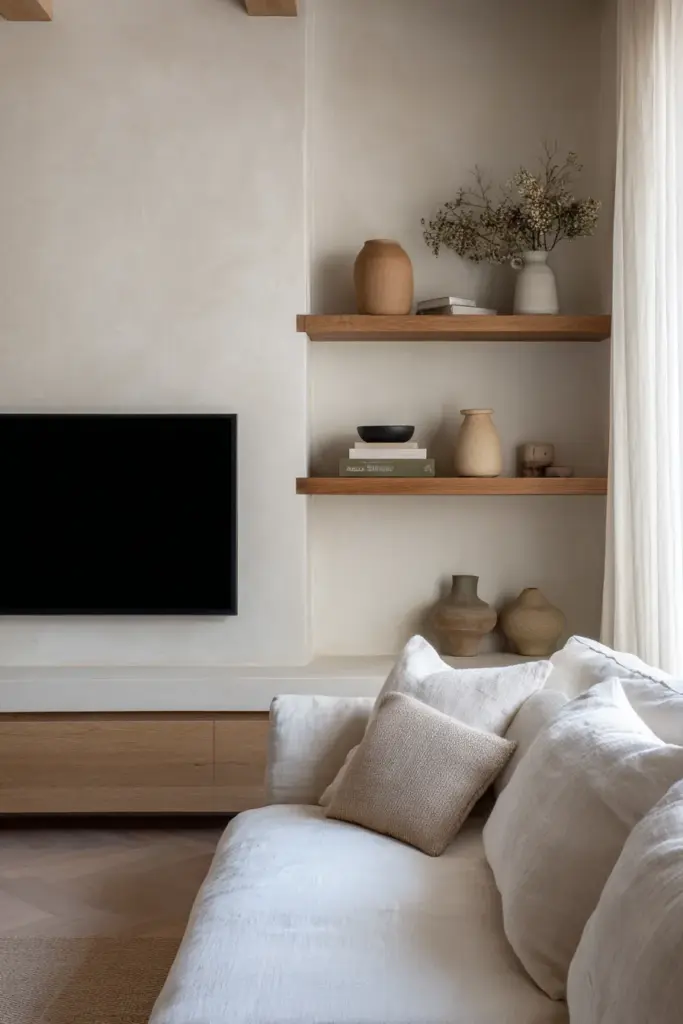
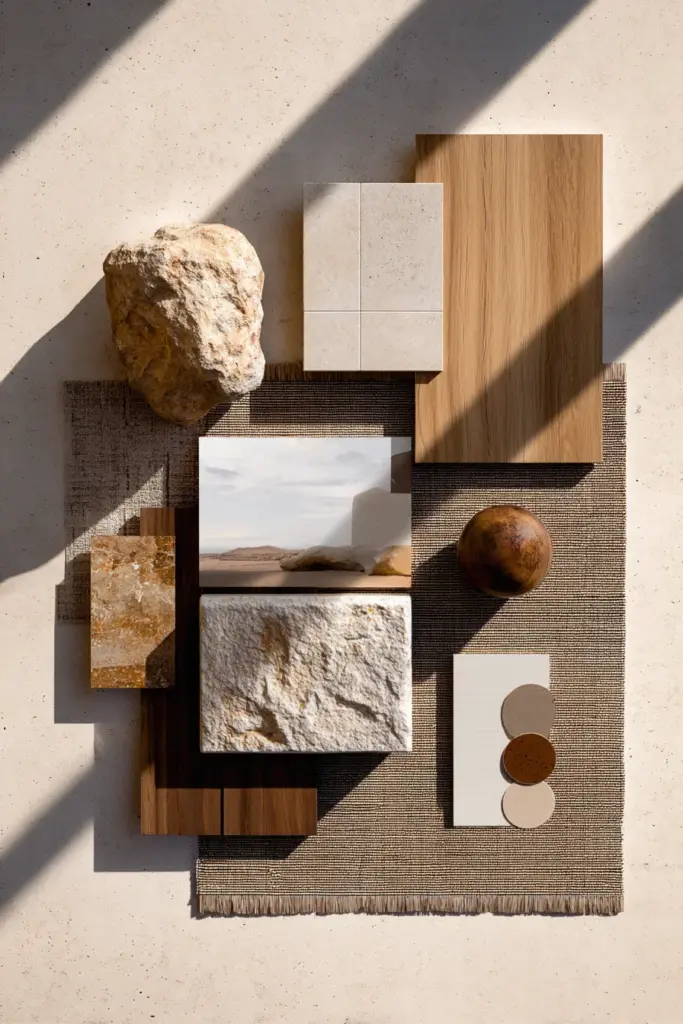
In a long, narrow room, the TV almost always belongs on the short wall. This lets seating face across the narrow dimension rather than down the length, which improves sightlines and makes the space feel wider. A low console or wall-mounted screen at eye level, flanked by open shelving in natural oak or linen-wrapped panels, keeps the short wall from feeling heavy.
Square Rooms
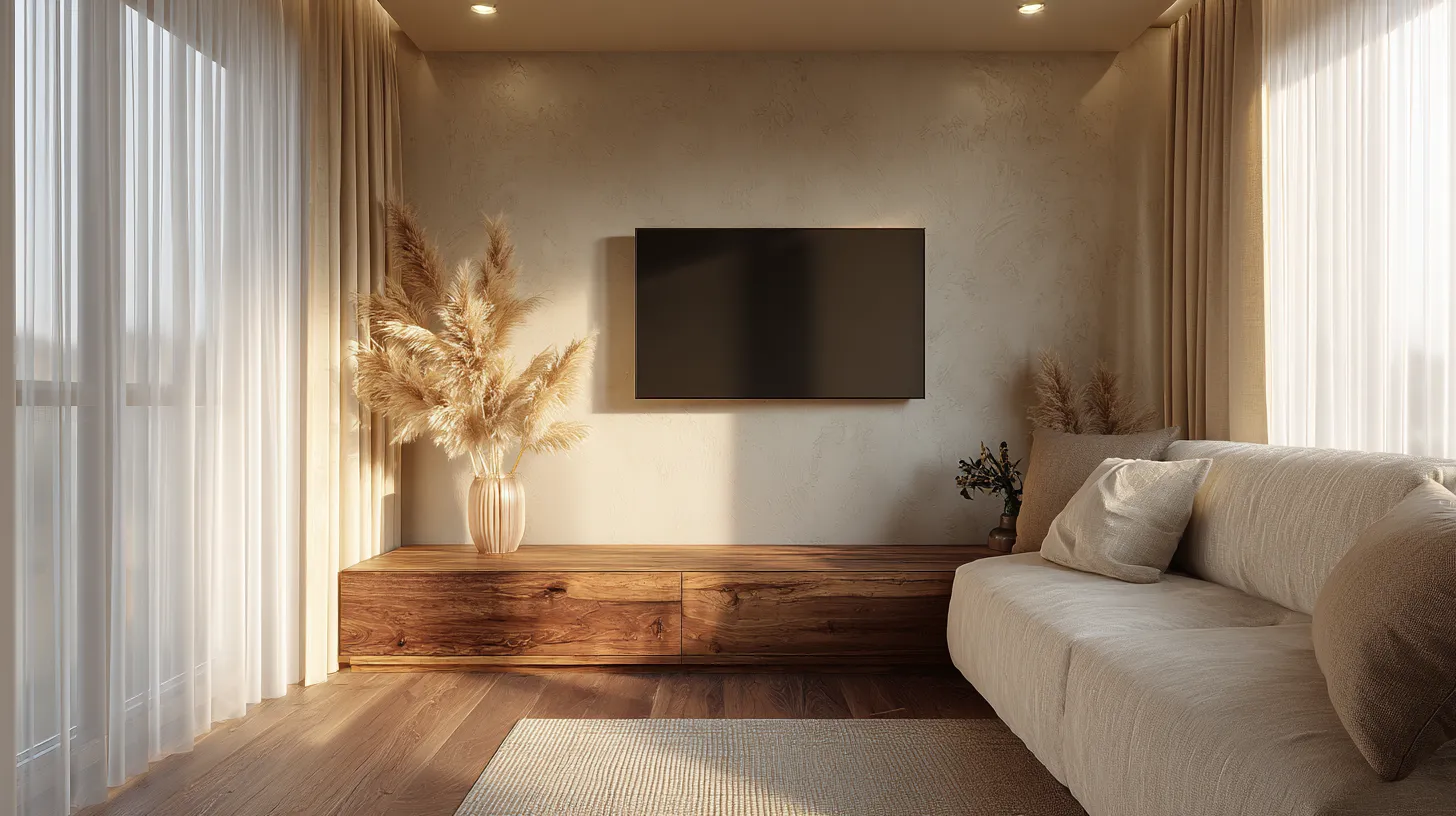
Square rooms offer more flexibility, but they also risk a cluttered, directionless feel. Centering the TV on one wall and anchoring it with a media console in warm walnut or white oak gives the room a clear focal point. If a window shares that wall, a tilt mount lets you angle the screen away from glare without repositioning everything.
Rooms with a Fireplace
When your living room has a fireplace, you have two natural focal points competing for attention. Mounting the TV directly above the fireplace is tempting, but it places the screen too high for comfortable viewing and exposes it to heat and soot over time. A better solution is to place the TV on an adjacent wall, slightly off-center, so both the fire and the screen can be enjoyed from the same seating arrangement without craning your neck.
Rooms with a Window Wall
A window wall is the trickiest situation in a small room. If the only available wall is opposite a large window, glare becomes your main challenge. Position the TV slightly to one side of the window rather than directly across from it. Use blackout-lined curtains in a soft natural linen to manage afternoon light, and consider a matte or anti-glare screen finish to reduce reflection without sacrificing picture quality.
Condo and Studio Living Rooms
In open-plan studio or condo spaces where the living room blends into a dining or sleeping area, the TV placement also has to work as a room divider. A low-profile media unit on castors, a floating shelf system, or a room-dividing built-in with the TV recessed into one side can define zones without closing the space in.
What Height Should You Mount Your TV?
The single most common TV placement mistake is mounting too high. When the screen is above eye level, you tilt your head upward for the entire film — and your neck will remind you the next morning.
The ideal mounting height places the center of the screen at seated eye level, which for most adults is between 42 and 48 inches from the floor.
| Seating Type | Ideal TV Center Height |
|---|---|
| Standard sofa (seat height ~18 inches) | 42–46 inches from floor |
| Low sofa or sectional (seat height ~15 inches) | 38–42 inches from floor |
| Floor cushions or low seating | 30–36 inches from floor |
If you are mounting above a fireplace or a high console and cannot lower the screen, a tilting wall mount can angle the screen downward by 5 to 15 degrees, which restores comfortable sightlines without requiring a full repositioning.
TV Placement Options: Pros, Cons, and Cost
Understanding the tradeoffs of each placement style helps you decide quickly, without second-guessing.
| Placement Style | Best For | Pros | Cons | Approximate Cost |
|---|---|---|---|---|
| Wall-mounted above low console | Narrow or square rooms | Clean look, saves floor space | Requires drilling, cable management needed | $50–$200 for mount |
| Corner placement | Square rooms, awkward layouts | Frees up wall space, flexible seating | Can feel informal, sightlines vary | $30–$150 for corner mount |
| Built-in media wall | Homeowners, long-term setups | Maximalist storage, cohesive look | High cost, permanent | $800–$5,000+ |
| Freestanding media unit | Renters, flexible layouts | No drilling, easy to move | Takes floor space | $100–$600 |
| Projector and screen | Very small rooms, dual-purpose spaces | Disappears when not in use | Requires darkness, projector maintenance | $300–$2,000 |
| Swivel stand | Renters, corner-adjacent walls | No installation, repositionable | Cord visibility, less streamlined | $60–$250 |
Swivel and Tilt Mounts: A Small Room’s Best Friend
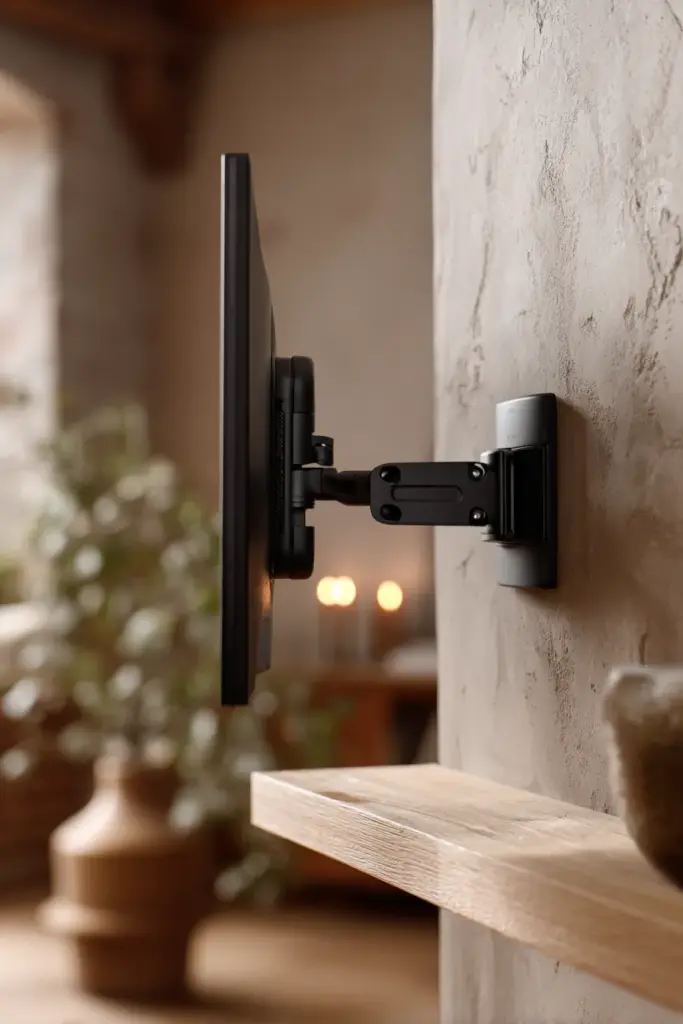
A swivel or full-motion wall mount is genuinely transformative in a small room. It lets you angle the screen toward different seating positions — the sofa for movie nights, the kitchen island for cooking evenings, or the dining table for background viewing. It also lets you push the screen flush against the wall when it is not in use, which opens the room visually.
For rooms where the perfect wall also happens to have a window, a swivel mount lets you tilt the screen slightly away from the glare source without permanently altering the layout. Look for low-profile mounts in matte black or brushed nickel — they disappear into the wall rather than drawing the eye.
Glare Control and Lighting Around Your TV
West-facing rooms are the most challenging for TV placement because afternoon and evening light pours in directly during peak viewing hours. If your room faces west, prioritise placement on a wall that is perpendicular to the windows rather than opposite them.
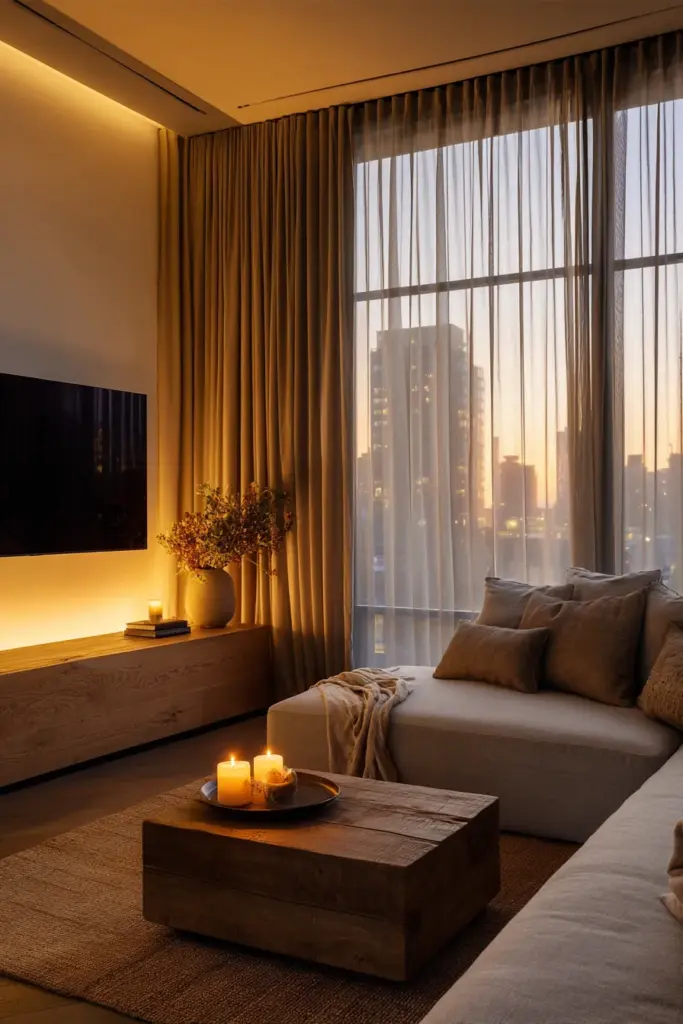
For the lighting around the TV itself, warm-toned bias lighting placed behind the screen — a simple LED strip in a soft amber or 2700K tone — reduces the contrast between the bright screen and a dark wall, which significantly lowers eye strain during long viewing sessions. This gentle halo of light also adds a warm, layered quality to the room that feels intentional and considered.
Avoid ceiling downlights positioned directly in front of the screen. Their reflection creates a persistent bright spot that no picture setting can fix.
Cable Management: Renter-Friendly and Permanent Solutions
Visible cables are the quiet enemies of a composed room. They pull the eye in the wrong direction and make even a well-styled space feel unfinished.
For homeowners, an in-wall cable management kit threads cords cleanly behind the drywall for around $20–$50. It is one of the highest-impact, lowest-cost improvements you can make.
For renters, paintable cable raceways in white or off-white snap onto the wall without drilling and disappear when painted to match the surface. Alternatively, routing cables down the back of a console and gathering them with velcro ties keeps the visible cable run short and neat.
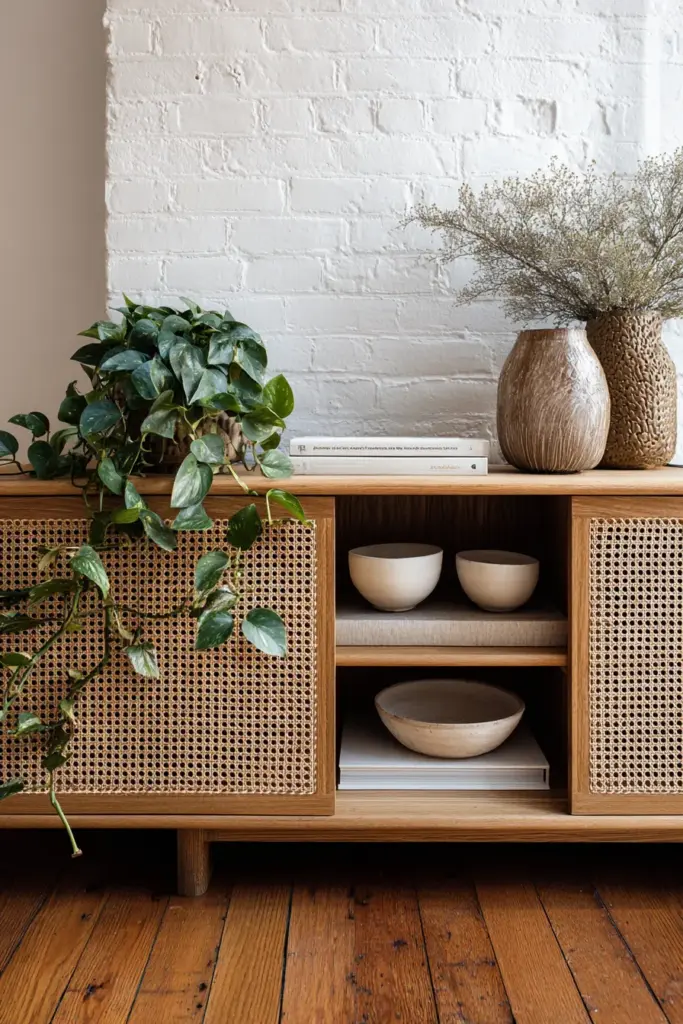
A cord-concealing back panel in natural rattan or perforated oak veneer on a media console also hides the nest of wires behind the unit while adding texture and warmth to the room.
TV Placement for Watching, Working, and Entertaining
In a small living room that serves multiple purposes, the TV placement needs to do more than one job gracefully.
For primary viewing, centre the screen on the main seating wall, at seated eye level, with a clear sightline from every sofa position.
For entertaining, a swivel or full-motion mount allows the screen to rotate toward a dining or kitchen area so guests can follow a match or a film without clustering around one sofa.
For working from home, consider whether the TV wall doubles as a desk backdrop on video calls. A screen that is off to one side, framed by shelving with a few considered objects — a trailing plant, a small stack of linen-covered books, a ceramic vessel — creates a backdrop that reads as calm and professional rather than recreational.
Mistakes to Avoid
- Mounting too high. The center of the screen should never sit above eye level when seated.
- Choosing a screen that is too large. In a small room, bigger is not always better — it is often just louder.
- Placing the TV opposite a large window without glare management in place.
- Ignoring cable management. Even one visible cable loop can undo a well-styled room.
- Centering the TV on a wall that is too short. Off-center placement often feels more balanced in narrow or awkward rooms.
- Mounting above a working fireplace. Heat and soot affect screens over time, and the height is almost always too great for comfortable viewing.
Renters vs. Homeowners: A Quick Checklist
If You Are Renting
- Use a freestanding media unit or a swivel floor stand — no drilling required
- Manage cables with paintable raceways or velcro ties along the baseboard
- Choose a media unit with closed storage to keep components and remotes out of sight
- Use removable adhesive hooks to run cables neatly along the wall without leaving marks
- Consider a projector on a low credenza for a flexible, damage-free setup
If You Own Your Home
- Install an in-wall cable management kit before mounting
- Consider a full-motion wall mount for maximum flexibility
- Invest in a built-in media wall if storage is a priority — it adds visual calm and resale value
- Run power to the wall behind the mount so no outlet box is visible below the screen
- Integrate the TV into a larger shelving system using the same material palette as the rest of the room
Key Takeaways
- The ideal TV center height is 42–48 inches from the floor for standard seating; adjust lower for low sofas and sectionals
- Viewing distance divided by 1.5–2 gives you the right screen size in inches
- Corner placement works best in square rooms; short-wall placement works best in narrow rooms
- Never mount above a working fireplace — place the TV on an adjacent wall instead
- West-facing rooms need perpendicular placement and glare-reducing window treatments
- Swivel mounts are one of the most versatile tools in a small room
- Bias lighting behind the screen reduces eye strain and adds warmth to the space
- Renters have excellent no-drill options in freestanding units, swivel stands, and cable raceways
Conclusion
A small living room is not a limitation. It is an invitation to be deliberate — to choose only what earns its place, to arrange with care, and to create a space that feels genuinely, quietly right.
The television does not have to dominate. With the right height, the right size, and the right placement for your specific room shape and light conditions, it can simply belong. It can sit within the room the way a well-chosen piece of art sits within a gallery — present, but not overbearing.
Take your time with the decision. Measure your viewing distance. Notice where the afternoon light falls. And then mount your screen at eye level, run your cables clean, and let the room settle into itself.
That is when a small room stops feeling small. It simply feels like home.
Frequently Asked Questions
What TV size is ideal for a small living room?
For most small living rooms where the sofa sits 7–8 feet from the wall, a 48–55 inch screen is ideal. Divide your viewing distance in inches by 1.5 to 2 to find your personal sweet spot. Resist sizing up — a screen that fills less than a third of your visual field is almost always more comfortable to watch.
What height should I mount my TV in a small room?
Mount the center of the screen at seated eye level — roughly 42–46 inches from the floor for a standard sofa, and 38–42 inches for low or sectional seating. If mounting above a console forces the screen higher, use a tilt mount to angle it 5–15 degrees downward.
Can I use a projector in a small living room?
Yes, and a projector is one of the most elegant solutions for a small space because the screen disappears entirely when not in use. You will need a wall or pull-down screen surface and the ability to control ambient light, since most projectors perform best in a darkened room. Short-throw projectors work well in compact spaces because they produce a large image from just 1–2 feet away.
How do I manage cables in a small living room?
For homeowners, an in-wall cable management kit is the cleanest solution at around $20–$50. For renters, paintable cable raceways run neatly along the baseboard or wall and can be painted to match the surface. Velcro ties and a media console with a back panel cover the remaining cable nest behind the unit.
Is a swivel mount worth it in a small living room?
Almost always, yes. A full-motion swivel mount lets you angle the screen toward different parts of the room for watching, entertaining, or working. It also lets you push the screen flush to the wall when it is not in use, which opens the visual space considerably. Look for low-profile models in matte black or brushed nickel — they disappear into the wall rather than calling attention to themselves.