


Table of Contents
Imagine stepping into your living room at dusk. The lights warm to amber without a single switch pressed. Your favorite playlist drifts softly from hidden speakers. The temperature adjusts to your exact preference, and curtains glide closed as the sky darkens.
This isn’t science fiction. It’s the smart tech-enabled living room—a space where technology disappears into the background, becoming invisible threads that weave comfort, efficiency, and beauty together.
At ERYLIN, we believe technology should serve the soul of a home, not dominate it. A truly smart living room doesn’t shout about its intelligence. It whispers through thoughtful lighting, responds to your rhythms, and creates sanctuary from the world outside.
Let’s explore how to transform your living room into a space that thinks, adapts, and nurtures—while remaining unmistakably, beautifully yours.
Understanding the Smart Living Room Foundation
A smart living room isn’t about gadgets cluttering your coffee table. It’s about creating an ecosystem where connected devices work in harmony, anticipating needs rather than demanding attention.
The heart of any smart living room is the IoT hub—the central nervous system connecting your lights, entertainment, climate control, and security. Think of it as the conductor of an orchestra, ensuring every instrument plays in perfect time. Popular options include Samsung SmartThings, Amazon Echo, and Google Nest Hub, each offering different strengths in device compatibility and user interface.
But hardware is only half the story. The real magic happens when you layer voice control technology into your daily rituals. “Good morning” becomes a command that raises blinds, starts your coffee maker in the kitchen, and displays your calendar on a smart display.

Choosing Your Smart Home Assistant
Your voice assistant becomes the personality of your smart home. Amazon Alexa excels at shopping integration and broad device compatibility. Google Assistant offers superior search capabilities and calendar integration. Apple’s Siri provides seamless ecosystem integration for iPhone users, with enhanced privacy protocols.
Consider your existing technology ecosystem before committing. If you’re deeply invested in Apple products, HomeKit makes sense. Android users often find Google Assistant more intuitive. The key is choosing a system that feels natural to your household’s existing habits.
Lighting: The Soul of Smart Ambiance
Light transforms space more powerfully than any other element. Smart lighting brings this transformation to your fingertips—or voice.
Smart bulbs and switches like Philips Hue or LIFX offer millions of color combinations, but the real sophistication lies in programmed scenes. Morning light that gradually brightens mimicking sunrise. Evening warmth that signals your body it’s time to unwind. Task lighting that intensifies when you’re reading, then dims for movie night.
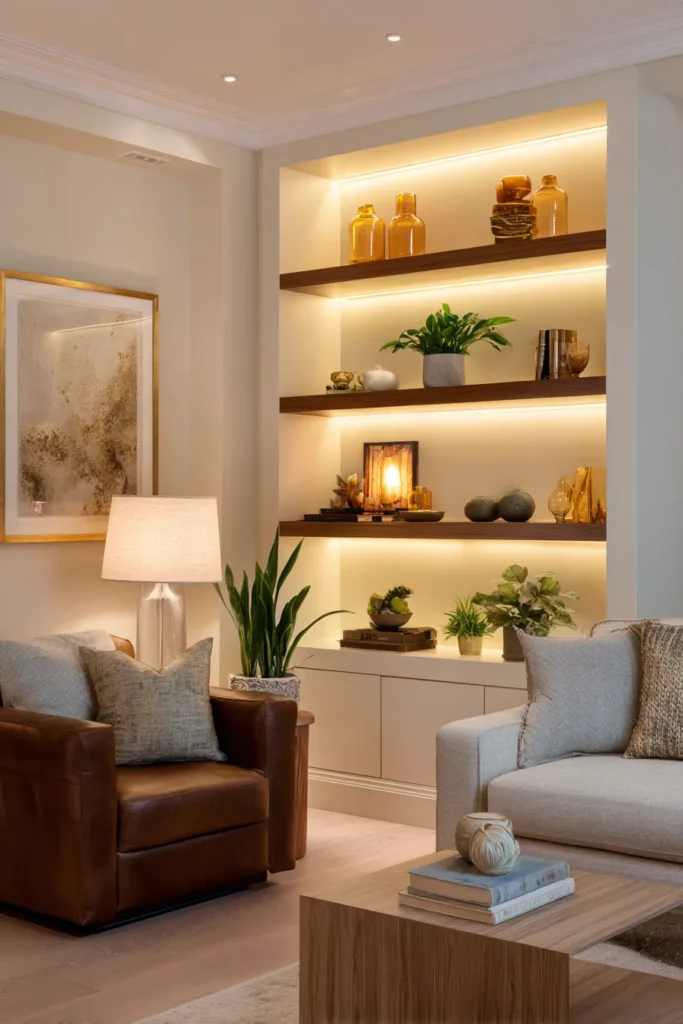
Layer your lighting intentionally. Overhead smart fixtures provide general illumination. Smart table lamps create pools of warmth. LED strips hidden behind furniture or beneath shelving add architectural drama. Each layer controlled independently, yet programmed to work in concert.
Consider circadian lighting systems that automatically adjust color temperature throughout the day. Cool blue-white tones in morning boost alertness. Warm amber evening light promotes natural melatonin production. Your body clock syncs with your home’s rhythm.
Motion Sensors and Adaptive Intelligence
Motion sensors elevate convenience to intuition. Place them strategically near entryways so lights welcome you home. Position them thoughtfully so lights extinguish automatically when rooms empty, saving energy without requiring thought.
But avoid over-automation. Constant automatic responses can feel invasive. The sweet spot is anticipation without surveillance—lights that respond when you need them, silence when you don’t.
Climate Control That Thinks Ahead
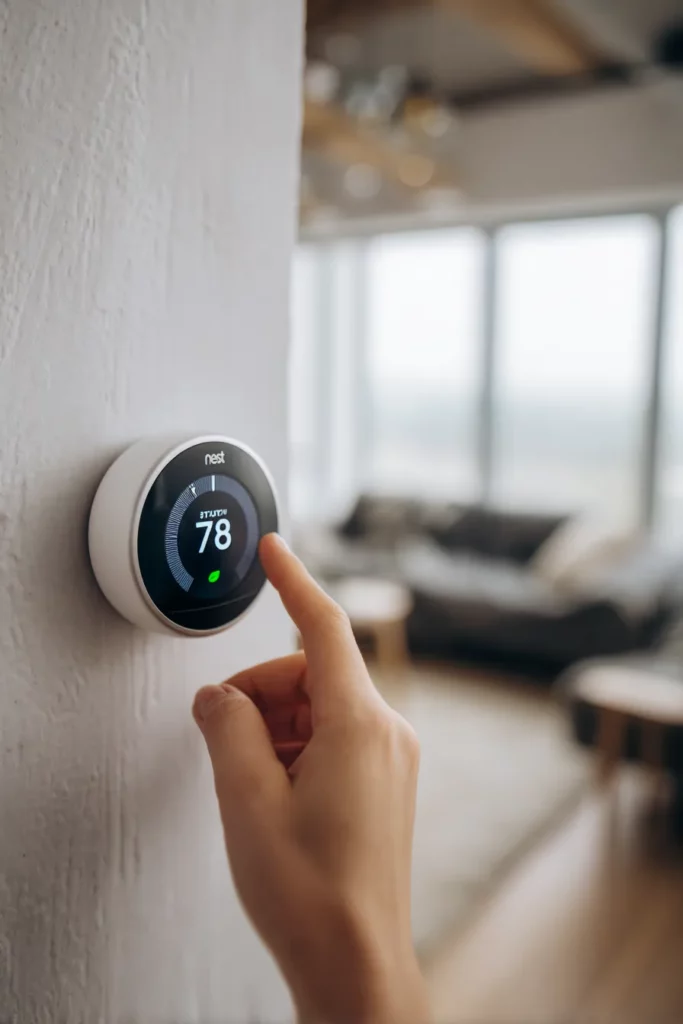
The smart thermostat might be the most underestimated luxury in home automation. Brands like Nest and Ecobee learn your patterns within weeks, adjusting temperature before you realize you’re uncomfortable.
These devices track when you typically arrive home, pre-conditioning your space. They recognize when everyone’s left, automatically entering energy-saving mode. Over time, they reduce energy consumption by 10-23%—tangible sustainability that lightens both your carbon footprint and utility bills.
Smart thermostats integrate with weather forecasts, adjusting heating or cooling based on tomorrow’s predicted conditions. They detect open windows and pause climate control, eliminating wasted energy. Some models even monitor indoor air quality, alerting you when it’s time to open windows or change filters.
Pair your thermostat with smart ceiling fans controlled via your home ecosystem. Proper air circulation dramatically improves comfort while reducing HVAC workload. In summer, counterclockwise rotation creates cooling breeze. In winter, clockwise at low speed redistributes warm air from ceiling level.
Entertainment That Adapts to the Moment
Your living room entertainment deserves to be as intelligent as it is immersive. Smart TVs now function as central entertainment hubs, integrating streaming services, gaming, and even video calls on your largest screen.
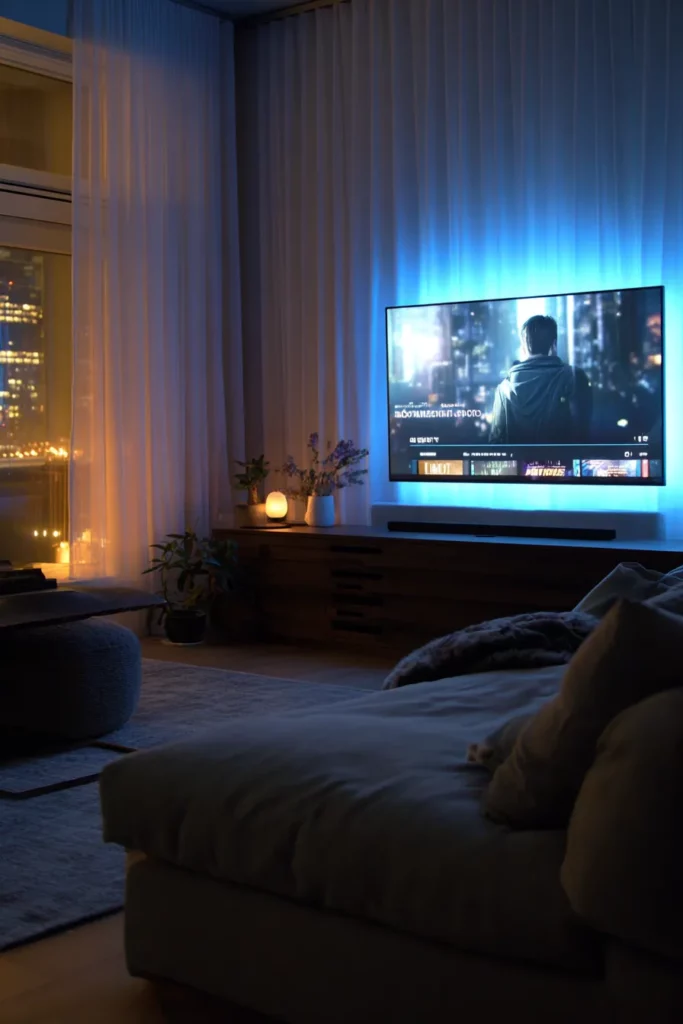
But the real sophistication comes from universal remote systems and scene automation. One command—”movie time”—dims lights to 10%, closes motorized curtains, turns on your TV, launches your streaming service, and adjusts soundbar volume to your preferred level.
Smart speakers create multi-room audio ecosystems. Play the same music throughout your home for gatherings. Or send different audio to each room, letting everyone enjoy their preferences. Brands like Sonos excel at this flexibility, offering rich sound that rivals traditional stereo systems.
AI-Powered Personalization
Modern smart systems learn individual preferences. They recognize your voice versus your partner’s, loading personalized playlists, news sources, even adjusting screen brightness based on who’s speaking. This AI personalization extends to content recommendations, filtering entertainment options through your viewing history and preferences.
Some advanced systems even detect mood through voice analysis, suggesting upbeat content when you sound stressed or offering calming options when you’re wired. While this might feel intrusive to some, others find it remarkably intuitive—technology finally understanding context, not just commands.
Security and Privacy: The Invisible Shield
Smart security shouldn’t make your home feel like a fortress. It should create quiet confidence. Smart security cameras like Ring or Arlo provide real-time monitoring accessible from anywhere, with AI that distinguishes between delivery drivers, family members, and unexpected visitors.
Smart locks eliminate key fumbling while maintaining robust security. Grant temporary access codes to guests or service providers, then automatically revoke them. Receive notifications when children arrive home from school. Lock all doors simultaneously from bed with a single voice command.
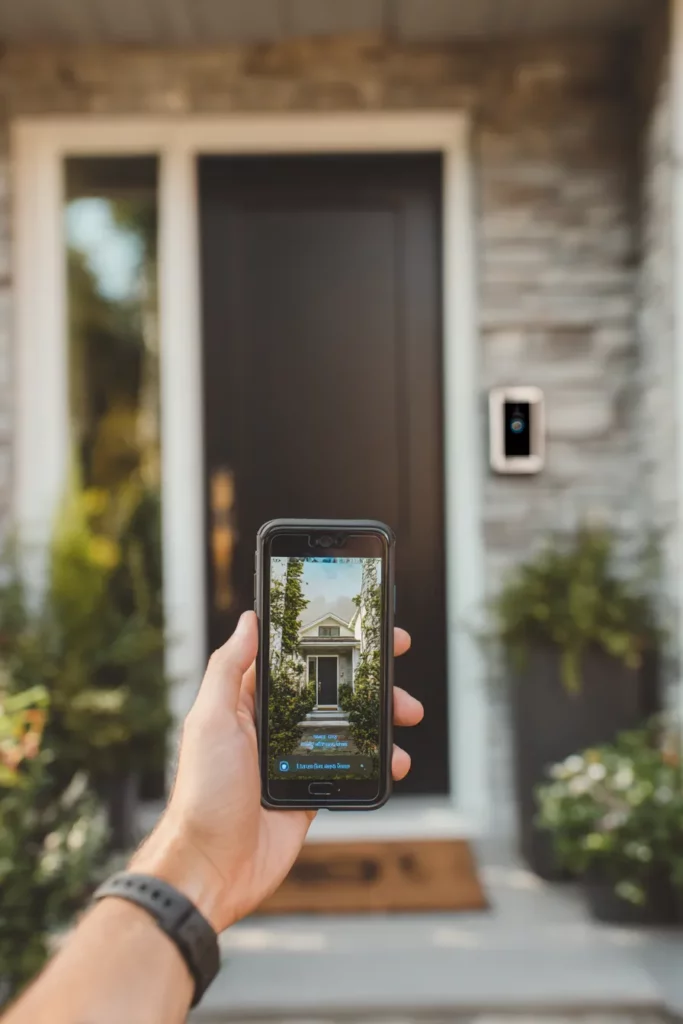
Motion-activated smart doorbells capture visitors before they knock, storing footage in cloud storage for later review. Two-way audio lets you speak with deliveries even when you’re miles away.
Protecting Your Digital Privacy
But with connectivity comes vulnerability. Prioritize devices with strong encryption protocols and regular firmware updates. Create separate guest Wi-Fi networks for smart devices, isolating them from computers containing sensitive information.
Change default passwords immediately—this simple step prevents the majority of smart home breaches. Enable two-factor authentication wherever offered. Review device permissions regularly, revoking unnecessary access to location data or microphone use.
Consider devices with physical privacy features—cameras with lens covers, mute buttons on smart speakers. Technology should serve you, never surveilling you without consent.
Energy Efficiency: Smart Sustainability
Smart homes aren’t just convenient—they’re significantly more sustainable. Smart power strips detect vampire energy drain, cutting power to devices in standby mode. Smart plugs turn “dumb” appliances intelligent, scheduling them to operate during off-peak energy hours.
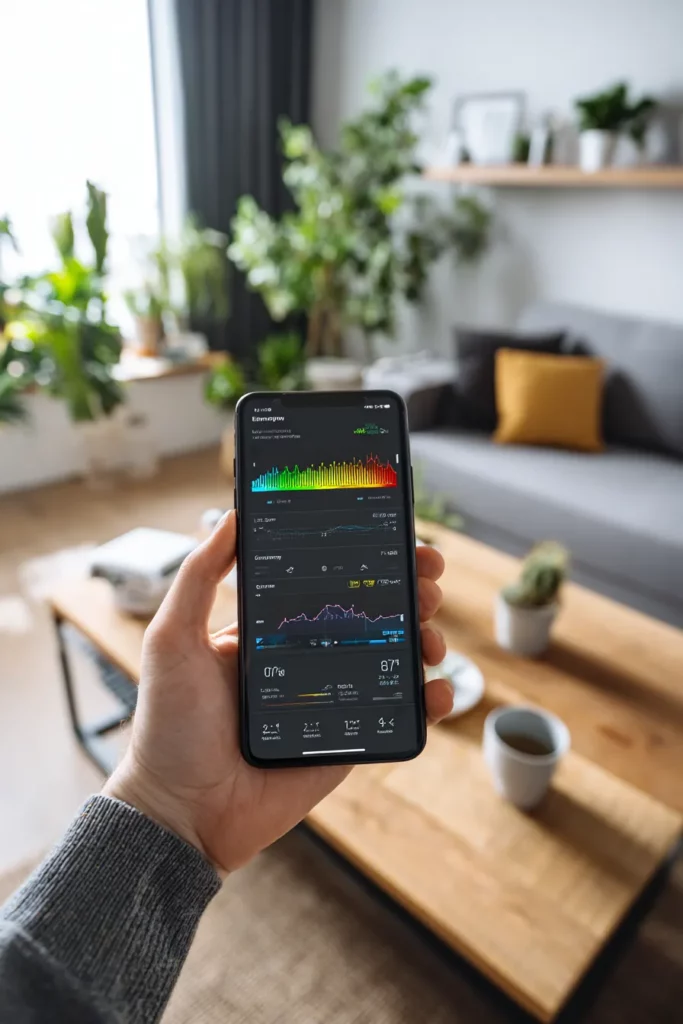
Track real-time energy consumption through apps connected to your smart devices. Identify which habits drain electricity unnecessarily. Many utilities now offer time-of-use pricing—smart systems automatically shift energy-intensive activities to cheaper hours.
Solar panel owners benefit especially from smart home integration. Systems automatically store excess energy in home batteries, then release it during peak hours, maximizing self-sufficiency and minimizing grid dependence.
| Smart Device | Average Annual Energy Savings | Carbon Reduction Equivalent |
|---|---|---|
| Smart Thermostat | 10-23% of heating/cooling costs | 2-4 tons CO₂ |
| Smart Lighting | 60-80% vs incandescent bulbs | 1-1.5 tons CO₂ |
| Smart Power Strips | 5-10% of total electricity use | 0.5-1 ton CO₂ |
| Smart Appliances | 15-20% on specific appliances | 1-2 tons CO₂ |
These aren’t trivial numbers. A fully optimized smart living room can reduce household energy consumption by 20-30%, with environmental impact equivalent to planting dozens of mature trees.
Supporting Remote Work and Learning
The living room has evolved beyond leisure space. For many households, it’s now classroom, office, and conference room—sometimes simultaneously.
Smart technology supports this flexibility beautifully. Automated scene transitions shift your space from “work mode” with bright, focused lighting and minimal distractions, to “family time” with warm ambiance and entertainment activated. One command transforms function entirely.
Smart displays serve as digital family command centers—shared calendars, meal planning, video calls with distant relatives. Some families use them for homework help, accessing educational content through voice commands when parents are busy.
Noise management systems using smart speakers can play white noise or nature sounds in specific zones, creating acoustic boundaries in open-plan spaces. This helps maintain concentration during video calls while children play nearby.

Multi-Brand Integration: Making It All Work Together
The biggest challenge in smart homes isn’t choosing devices—it’s making them cooperate. Different manufacturers use different communication protocols: Wi-Fi, Zigbee, Z-Wave, Thread, Bluetooth.
The emerging Matter standard promises universal compatibility, allowing devices from any manufacturer to work together seamlessly. While still rolling out, Matter represents the future—truly interoperable smart homes where brand loyalty doesn’t limit possibilities.
Until universal standards dominate, choose your central hub carefully. Ensure it supports the widest possible protocol range. Samsung SmartThings, for instance, includes Zigbee and Z-Wave radios alongside Wi-Fi and Bluetooth, maximizing device compatibility.
Future-Proofing Your Investment
Technology evolves rapidly. Future-proof your smart living room by:
- Prioritizing devices with regular firmware updates
- Choosing established brands with strong customer support
- Avoiding devices that require proprietary hubs with limited compatibility
- Ensuring any built-in technology (switches, outlets) uses standard connections, allowing hardware updates without rewiring
- Documenting your setup thoroughly—future you will thank present you
Accessibility and Aging in Place
Smart technology profoundly improves quality of life for seniors and individuals with mobility limitations. Voice control eliminates physical switch access challenges. Automated lighting reduces fall risks during nighttime bathroom visits.
Smart health monitoring systems track movement patterns, alerting family members to unusual inactivity that might signal a fall or health emergency. Some systems detect changes in routine that could indicate cognitive decline, prompting earlier intervention.
Medication reminders through smart speakers help maintain health regimens. Video calling on large smart displays combats isolation, keeping distant family members present in daily life. These aren’t luxuries—they’re tools enabling independence and dignity.
Troubleshooting Common Smart Home Challenges
Even sophisticated systems encounter hiccups. Here’s how to address the most common frustrations:
Devices going offline repeatedly: Usually indicates Wi-Fi dead zones. Add mesh network extenders or upgrade to Wi-Fi 6 routers with better range and device handling capacity.
Voice commands misunderstood: Create custom routines with specific trigger phrases. “Goodnight” might work better than “turn off lights” if you have lights in multiple rooms.
Automation triggering incorrectly: Review sensor placement. Motion sensors pointed at windows may trigger from passing cars. Adjust sensitivity settings or reposition strategically.
Slow response times: Too many devices on one network creates bottlenecks. Create separate 2.4GHz and 5GHz networks, distributing devices based on bandwidth needs.
Quick Implementation Checklist
Ready to transform your living room? Start here:
- Audit your current space: What frustrates you? What would make daily life smoother?
- Choose your ecosystem: Select voice assistant and central hub first, ensuring compatibility
- Start with lighting: Smart bulbs provide immediate satisfaction with minimal installation
- Add climate control: Smart thermostat offers biggest energy savings and comfort gains
- Layer in entertainment: Upgrade TV and speakers to smart alternatives
- Implement security gradually: Start with smart lock or doorbell, expand as comfortable
- Test and refine: Live with each addition before adding more—let technology settle into rhythms
- Prioritize privacy: Update passwords, enable encryption, review permissions regularly
- Document everything: Note model numbers, network names, login credentials in secure location
- Update firmware religiously: Set calendar reminders to check for device updates monthly
Conclusion: Technology That Disappears
The most successful smart living room is one where technology becomes invisible. Where you stop thinking about “turning on lights” and simply enjoy perfect ambiance. Where arriving home feels like embrace, not task list.
At ERYLIN, we believe your living room should be sanctuary—a place where every element conspires toward comfort, beauty, and peace. Smart technology, thoughtfully integrated, amplifies this intention. It clears away friction, leaving only what matters: connection, rest, joy.
Your living room is waiting to become smarter, softer, more yours. Start small. Listen to how you actually live. Choose technology that serves your rhythms, not dictates them.
The future of home isn’t about having more gadgets. It’s about having less to think about—so you can be more present in the moments that matter.
Frequently Asked Questions
How do I turn my living room into a smart living room?
Start by selecting a voice assistant ecosystem (Amazon Alexa, Google Assistant, or Apple HomeKit) that aligns with your existing devices. Begin with smart lighting—bulbs or switches that offer immediate impact with easy installation. Add a smart thermostat next for energy savings and comfort. Layer in entertainment upgrades like smart TV or speakers, then expand to security devices as you grow comfortable with the technology. The key is gradual integration that matches your lifestyle rather than overwhelming yourself with simultaneous changes.
What are the must-have smart devices for a living room?
Essential smart devices include: smart lighting (bulbs or switches) for customizable ambiance, a quality smart speaker for voice control and audio, a smart thermostat for climate management, a smart TV or streaming device for entertainment, and smart plugs to make existing appliances controllable. Security basics like a smart doorbell or camera provide peace of mind. These core devices create a foundation you can build upon based on specific needs and preferences.
How can smart technology improve my living room experience?
Smart technology eliminates small daily frustrations—forgotten switches, awkward remotes, uncomfortable temperatures. It creates personalized scenes that shift your space’s mood instantly. Energy monitoring reduces utility costs while supporting sustainability. Voice control offers accessibility for those with mobility challenges. Most significantly, automation handles mundane tasks invisibly, freeing your attention for what truly matters: connecting with loved ones, relaxing deeply, or focusing on work without environmental distractions.
What are the best smart home assistants for a living room?
Amazon Alexa offers the broadest device compatibility and robust smart home controls, ideal for households with diverse devices. Google Assistant excels at information retrieval, search accuracy, and Android ecosystem integration. Apple’s Siri provides superior privacy protections and seamless integration for iPhone and Mac users, though with more limited third-party device support. The u0022bestu0022 assistant depends on your existing technology ecosystem, privacy priorities, and which interface feels most natural to your household’s communication style.
How do I protect privacy in a smart living room?
Create separate Wi-Fi networks for smart devices, isolating them from computers with sensitive data. Change all default passwords immediately and enable two-factor authentication wherever available. Choose devices with physical privacy controls like camera covers and microphone mute buttons. Review and minimize device permissions—many don’t need constant location tracking or microphone access. Update firmware regularly, as patches often address security vulnerabilities. Finally, research manufacturer privacy policies before purchasing, favoring companies with strong data protection commitments and transparent practices.